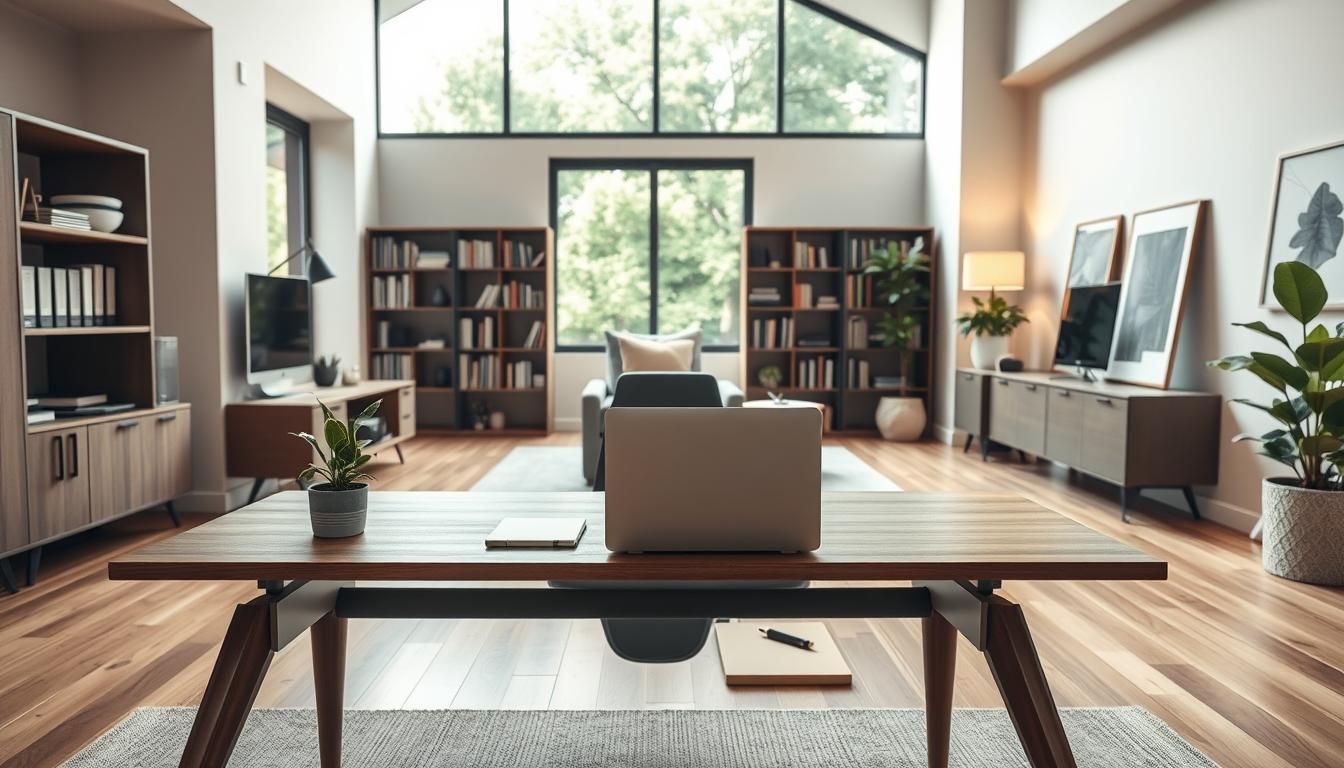

Nearly one in five workers now report that a dedicated home workspace is their primary office — a shift that has made home office design trends as important as living-room layouts for millions of Americans.
The modern home office is no longer an afterthought. By 2026 it blends style, comfort and technology to support deep focus, smooth video meetings, and everyday living. Start with location: a semi-separate nook or a small alcove can outperform a sprawling but poorly organized room.
A simple command-trio — a height-adjustable desk, a stylish ergonomic office chair, and one closed cabinet — turns a makeshift corner into a reliable productivity hub. For small homes, L-shaped desks, lift-top coffee tables, and media consoles on casters create compact, flexible setups without sacrificing the best home office styles.
Designers now borrow from current office design: acoustic zoning, biophilic touches, and subtle branding for calm, human-centered spaces. Smart lighting, modest storage, and an intentional Zoom backdrop complete a setup that feels like part of the home and works like an office.
Key Takeaways
- Prioritize a dedicated or semi-dedicated spot before buying furniture to ensure function and flow.
- Three core pieces — adjustable desk, ergonomic chair, and closed storage — deliver the biggest impact.
- Bring principles from current office design into the home: acoustics, biophilia, and tech-aware lighting.
- Small-space tactics (L-desks, casters, lift-top surfaces) enable the best home office styles in tight footprints.
- Start with location and lighting; mini refreshes like cable management and task lamps are high value.
- For deeper research on evolving workplace ideas, consider insights from office design resources like office design trends for 2026.
Why the Home Office Is Now a Permanent Part of Home Life
Work moved into homes in a rush. Many companies now plan for a future where office time mixes with remote days. This shift changed expectations about space, furniture and routines. Homeowners and renters invest in setups that last, not make-do corners that break down after a few weeks.
The rise of hybrid schedules reshaped daily life. Hybrid work trends mean employees split time between offices and home. Employers from Salesforce to Microsoft design policies that support flexible weeks. Workers expect consistency in ergonomics, lighting and video backgrounds when they work from home.
Data from recent surveys supports long-term change. By August 2024 roughly 22.8% of U.S. employees worked remotely at least part-time, about 35 million people. In Great Britain between January and March 2025 more than 28% of working adults used hybrid patterns. These figures push spending on reliable desks, chairs and storage.
Designers urge a move away from temporary setups. Early WFH habits—dining tables and sofas—hurt posture and focus. Modern office design trends favor defined zones: a focused work area, nearby storage and a small relaxation spot where space allows. Even compact homes can host a repeatable environment that supports deep work and virtual meetings.
Small rituals and clear boundaries keep the space functional. Simple habits like set start times, a dedicated webcam backdrop and daily declutter help turn a corner into a productivity hub. Thoughtful furniture choices make the space feel professional and comfortable for long-term use.
Below is a quick comparison to guide investment decisions.
| Early Makeshift Setup | 2026-Ready Home Office | Why Upgrade |
|---|---|---|
| Dining table or couch, no cable management | Height-adjustable desk, hidden cables, monitor arm | Improves ergonomics and reduces fatigue |
| Laptop on laps, poor lighting | Dedicated monitor, task lighting, neutral backdrop | Boosts video presence and reduces eye strain |
| Ad-hoc storage, cluttered surfaces | Closed storage, labeled bins, shelf for reference items | Keeps focus and speeds transitions between tasks |
| No defined start/stop routines | Work rituals, clear boundaries, visual cues | Separates home life from work life for better wellbeing |
Picking the right spot sets the tone for any productive home setup. Start by assessing available rooms: a spare bedroom or a dedicated study is ideal. In smaller homes, a bedroom corner, a quiet living-room wall, or a wide hallway can work well when planned with intent.
Prioritizing natural light and avoiding screen glare
Place your desk near a window to use natural light for better mood and clearer video calls. Face the window if you stay focused, or position the window to the side to cut harsh glare on monitors. Choose a plain wall, a styled bookshelf, or a low cabinet as your meeting background to avoid distractions.
Sound and privacy considerations for remote meetings
Keep your workspace away from kitchens, living rooms with TVs, and entryways to reduce interruptions. Use rugs, bookcases, and curtains to soften sound. Acoustic zoning helps separate collaborative areas from concentration zones, a principle that improves hybrid meeting quality at home.
Small-space options: alcoves, hallways, and multiuse rooms
In compact flats, an L-shaped or straight desk against a window pairs well with a low media console. Lift-top coffee tables and castered chairs add flexibility for studios. Built-ins fit in an 8 x 10 ft footprint, while a 10 x 13 ft room lets you float a desk and add cabinetry for storage and a tiny relax zone.
Designers recommend dividing your chosen spot into three micro zones: focus, storage, and a brief downtime area. This layout supports many of the best home office styles and follows practical workspace location tips that boost comfort and function.
Modern Office Design Trends
By 2026, a modern home office blends style, comfort, and tech into compact, livable layouts. Designers recommend clear zones for focused work, storage, and relaxation so each activity feels intentional. This approach keeps small spaces functional without clutter.
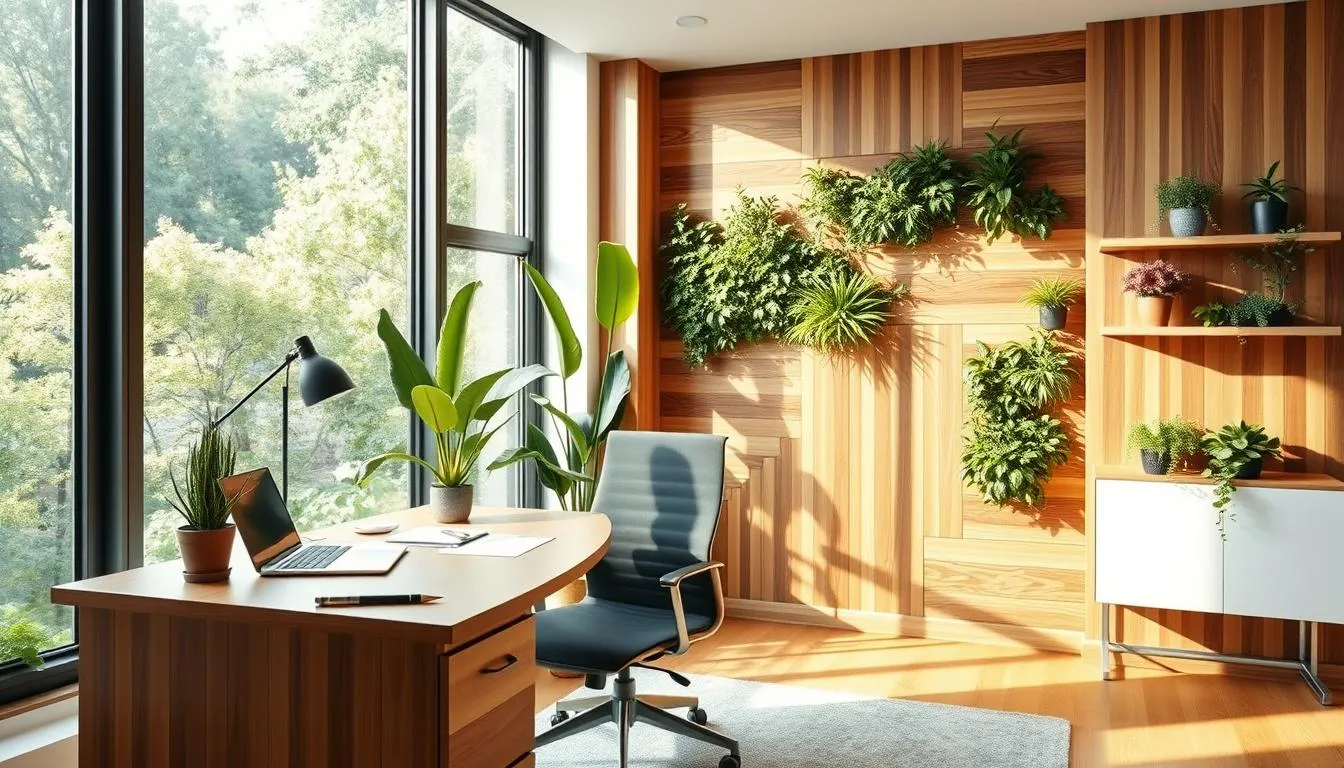
Activity-based layouts adapted for home
Activity-based working principles translate well to apartments and houses. Create a focused desk area for deep tasks, a soft-seating nook for calls, and a standing spot for quick reviews.
Use room dividers, rugs, or shelving to mark zones. These visual cues make transitions easier and support routines that boost productivity.
Biophilic elements and natural materials
Biophilic design lifts mood and sharpens attention. Add easy-care plants, a small living wall, or natural textures like linen and burl wood to bring the outdoors in.
Choose finishes such as matte metal legs, wood-grain desktops, and tightly woven upholstery to create warmth and durability without excess flash.
Quiet luxury: materials and finishes that feel elevated
Quiet luxury favors tactile quality over logos. Leather or faux-leather armrests, limewash plaster walls, and soft, neutral palettes signal refinement.
Mix warm neutrals with black-metal accents and sculpted lighting to craft attractive Zoom backgrounds. The result feels personal and cohesive with the rest of the home.
Core Furniture: Height-Adjustable Desks and Why They Matter
Height-adjustable desks are the command center of a productive home workspace. They let you move between sitting and standing, reduce prolonged sitting, and help ease neck and back strain when paired with adjustable monitor arms. These desks fit cleanly into modern office design trends and adapt to shared or hybrid setups.
Health and productivity benefits
Switching posture several times a day boosts circulation and focus. Workers report fewer aches when using a sit-stand routine. Program one sitting height and one standing height to make transitions quick and consistent.
What to look for in a desk
Choose a stable base that resists wobble. Pick a top wide enough for dual monitors, a notebook, and room to breathe. Quiet motors with memory buttons make regular changes painless. Built-in cable grommets or under-desk trays keep surfaces tidy and support the best home office styles.
Pairing and setup tips
Combine a height-adjustable desk with monitor arms and a keyboard tray for ergonomic alignment. Set your primary monitor at eye level when standing. Use programmable settings to save positions for multiple users or varied tasks.
| Feature | Why it matters | Designer tip |
|---|---|---|
| Stability and frame | Prevents wobble with heavy monitors or active typing | Look for steel or reinforced aluminum frames with crossbars |
| Top width and depth | Holds screens, documents, and lighting without clutter | Choose at least 48” wide for dual monitors; 24” depth minimum |
| Motor noise and memory | Makes position changes smooth and repeatable | Test for quiet operation under load; prioritize memory presets |
| Cable management | Keeps video calls tidy and reduces hazards | Prefer integrated grommets, trays, or included clips |
| Adjustable accessories | Monitor arms and keyboard trays enhance ergonomics | Match VESA-compatible arms and clamp mounts for flexibility |
| Space-saving alternatives | Fits small footprints where full desks won’t | Consider lift-top tables or convertible surfaces for compact rooms |
Choosing a Stylish Ergonomic Office Chair
An ergonomic office chair is the single item that shapes daily comfort and long-term health in a home workspace. With home office trends emphasizing well-being and hybrid routines, pick a seat that supports posture and movement without clashing with your decor.
Essential ergonomic features to prioritize
Look for adjustable seat height and tilt, reliable lumbar support, a stable five-point base, smooth casters, and 360° swivel. These basics reduce strain during long calls and repetitive tasks. Research shows ergonomic seating and sit-stand setups can boost productivity and lower musculoskeletal complaints.
Balancing comfort with aesthetics for home integration
Choose clean lines and neutral tones—black, gray, or warm beige—to blend with living spaces. A fabric seat with a metal base often reads softer than mesh while keeping posture support. A stylish office chair can be both a design element and a functional tool.
When to invest: chair upgrades vs. decorative spending
If budget is tight, prioritize the chair before decorative purchases. A quality ergonomic office chair yields the biggest daily return in comfort and focus. For households with multiple users, pick models that offer inclusive adjustments to fit different bodies and needs, reflecting evolving design standards in 2026.
Smart Tech and Cable Management for a Clean Look
A tidy setup makes a home office feel calm and professional. Start with the essentials: a reliable camera, a clear microphone, one or two monitors and strong Wi‑Fi. Pair a sit‑stand desk with monitor arms to keep screens at eye level and free up surface space. Smart home office tech that automates lighting and climate helps shape consistent work modes without visible gadgets on the desk.
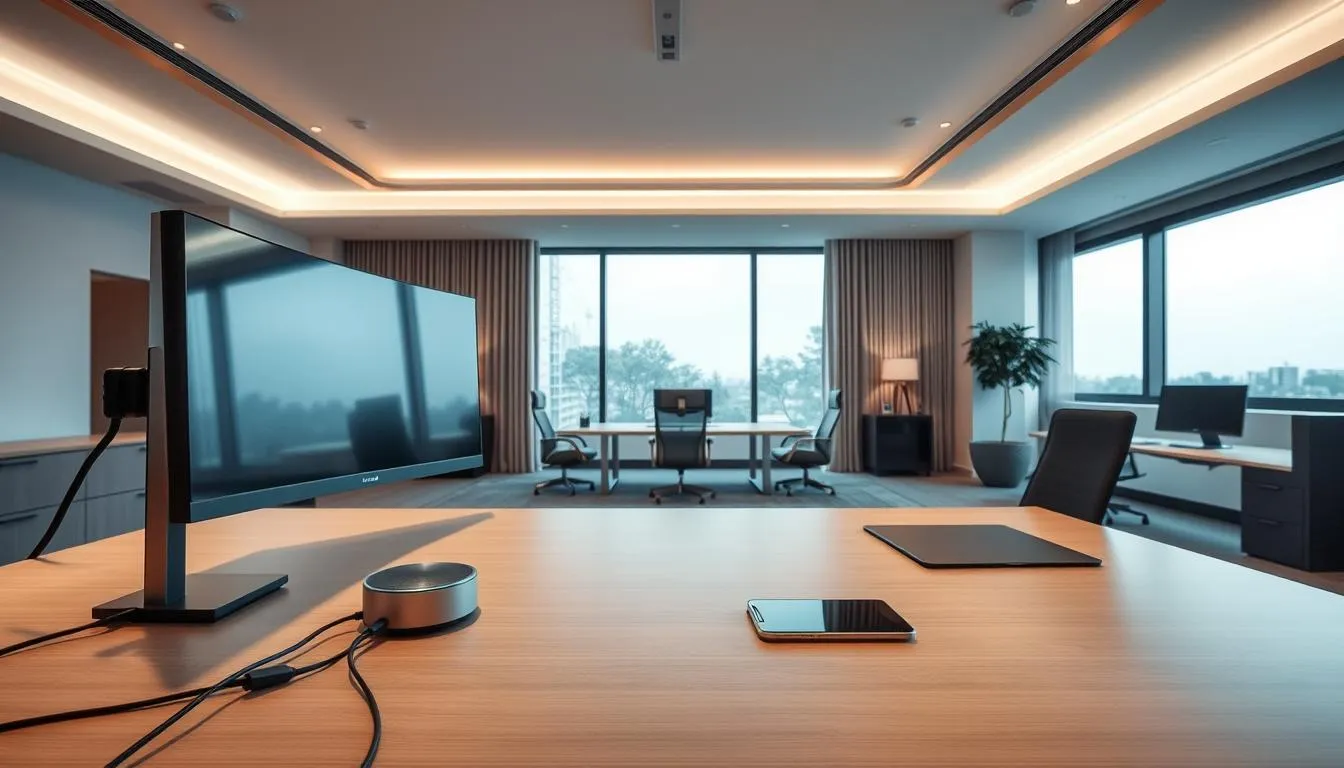
Core tech for a modern home office: camera, mic, monitor setup
Choose a webcam with true color and autofocus for better video presence. A compact USB or XLR microphone improves clarity over laptop mics. Arrange dual monitors on arms to reduce neck strain and hide cables along the arm channels. Keep printers and bulkier devices inside cabinets or on mobile carts to roll out when needed.
Smart home and AI-enabled adjustments (lighting, HVAC)
Smart lighting systems from Philips Hue or Lutron can follow schedules and react to daylight. Nest thermostats and Ecobee units adapt temperature for comfort during long sessions. Use scenes or voice triggers to switch the room into “work” mode with one command. These smart home integrations support modern office design trends and make the space feel intentional.
Simple cable routing solutions and hidden storage tips
Good cable management starts in the design phase. Plan grommets, under‑desk trays and closed storage so cords visually disappear. Install a power trough or raceway for benching setups to give each user a dedicated plug point without messy strips on the floor.
For adjustable desks, energy chains or flexible raceways keep cables moving with the surface. Use cable clamps and adhesive channels for short runs. Hide chargers and hubs inside drawers or behind modesty panels to preserve a clean camera background during calls.
Designers recommend modular pods and mobile carts to adapt hot‑desking needs while avoiding exposed runs between stations. For practical examples and product ideas, see a focused guide on integrated cable solutions from Watson Furniture via this cable management resource.
- Tip: Label both ends of long cables so swaps and troubleshooting are quick.
- Tip: Use closed cabinetry for printers and routers to cut visual noise.
- Tip: Choose furniture with built‑in channels to align with modern office design trends.
Small investments in cable management and smart home office tech pay off in daily focus and a cleaner video presence. A neat setup supports productivity while reflecting thoughtful design rather than clutter.
Color, Material, and Palette Choices That Signal Modern Calm
Start with warm neutrals like off-white, greige, and light oak to make a calm backdrop. These tones give rooms a steady, professional look while keeping visual noise low. Pairing black-white-wood combos creates contrast without drama and fits many modern office design trends.
Use accent colors with intent. Deep navy or forest green work well in textiles and small furnishings to mark a focus corner. Bright hues such as coral or mustard perform best in small doses so they energize without overwhelming the space. Designers advise testing paint and fabric samples under daylight and LED to see true shifts in tone.
Material choices shape how a room feels. Natural wood desktops, tightly woven upholstery, matte metal legs, and leather touches read as quiet luxury. Mix linen, limewash plaster, and burl wood to add tactile depth. When finishes match across desk and storage, the room reads as cohesive and calm.
Think about function and perception. Cool blues and muted greens promote focus in quiet work zones. Neutral earth tones reduce mental clutter across open-plan or multiuse spaces. Accent application is best through furniture, art, or hardware to avoid overstimulation.
Lighting alters color perception significantly. A cool grey paint may look blue under LEDs and warmer in daylight. Test palettes in situ and align choices with your lighting strategy during the fit-out phase so the intended emotional tone stays intact.
Cultural and contextual sensitivity matters for shared homes. Color meaning can vary by region, so choose palettes that respect diverse household members. Small brand echoes in textiles or accessories can feel personal without turning the room into a graphic backdrop.
Warm neutrals, greiges, and black-white-wood combos
Warm neutrals like sand, taupe, and soft greys make a reliable base. Greige blends the warmth of beige with the clarity of grey to suit both cozy and crisp aesthetics. A black-white-wood mix anchors furniture silhouettes while keeping the palette modern and versatile.
Using accent colors strategically to reflect personality
Select one or two accents to repeat across cushions, vases, and a single statement chair. This repetition ties personality to the layout without cluttering visual focus. Accent placement should highlight zones such as a reading nook or a brainstorming wall.
How material choices (wood, matte metal, upholstery) influence feel
Wood provides warmth and a human scale. Matte metal lends an industrial calm that avoids glare. Upholstered surfaces soften acoustics and invite longer, more comfortable sessions. Combine these elements to support the best home office styles for both work and video presence.
Below is a quick reference to weigh palette and material options when planning a refresh. Use it to compare mood, practical pros, and suggested applications for a range of modern office design trends and color trends home office approaches.
| Palette / Material | Mood & Effect | Best Use |
|---|---|---|
| Warm neutrals (off-white, greige, sand) | Calm, stable, low visual noise | All-over walls, large furnishings, built-ins |
| Black-white-wood combo | Contemporary, cohesive, high-contrast | Desks, shelving, trim, hardware accents |
| Cool blues & muted greens | Focus, clarity, reduced stress | Quiet corners, meeting nooks, background walls |
| Deep accents (navy, forest green, charcoal) | Defines zones, adds depth | Chair upholstery, art, shelving backs |
| Textured materials (linen, burl wood, limewash) | Warmth, tactility, sensory interest | Soft furnishings, feature walls, tabletop surfaces |
| Matte metal & leather | Quiet luxury, refined edge | Legs, hardware, accessory trims |
Storage Solutions That Hide Clutter and Keep Focus
To keep a home workspace calm and productive, hide visual clutter with at least one piece of closed storage. Closed cabinetry tucks away paperwork, printers, and cables so the room reads as clean and calm. Open shelving works when you curate items tightly, yet too many exposed objects create visual noise that breaks focus.
Built-ins and multifunctional furniture stretch space in compact homes. A bench with hidden drawers, a desk with under-desk trays, or an IKEA Sektion-style cabinet can house supplies and tech. Mobile storage carts and lift-top tables let you reconfigure the room for meetings or family use, reflecting current home office trends.
Designers recommend inventorying items by how often you use them. Store daily items within arm’s reach and archive seasonal paperwork in labeled closed bins. Quarterly declutter rituals reset the system and prevent accumulation of items that sap focus.
When choosing between closed and open storage, match function to finish. Use matte or wood-faced cabinetry to add warmth and reduce glare during video calls. Reserve open shelving for a small selection of books, plants, or framed photos so displays support calm instead of distraction.
Modular and flexible pieces follow modern office design trends that translate to home. Acoustic dividers, movable cabinets, and caster-mounted units let a room shift from deep work to collaborative tasks. Aim for a layout that hides bulky equipment yet keeps essentials accessible.
Adopt simple organizing systems: labeled drawers, cord channels, and a single landing spot for mail. These small habits reduce decision fatigue and help sustain a tidy environment that supports focus and creativity.
Lighting Strategies for Long Screen Sessions
Good lighting keeps your eyes fresh and your video presence clear during long workdays. Combine broad room illumination with focused task lamps and small accent sources to create depth. This layered approach helps reduce eye strain and supports circadian rhythms while matching modern office design trends.
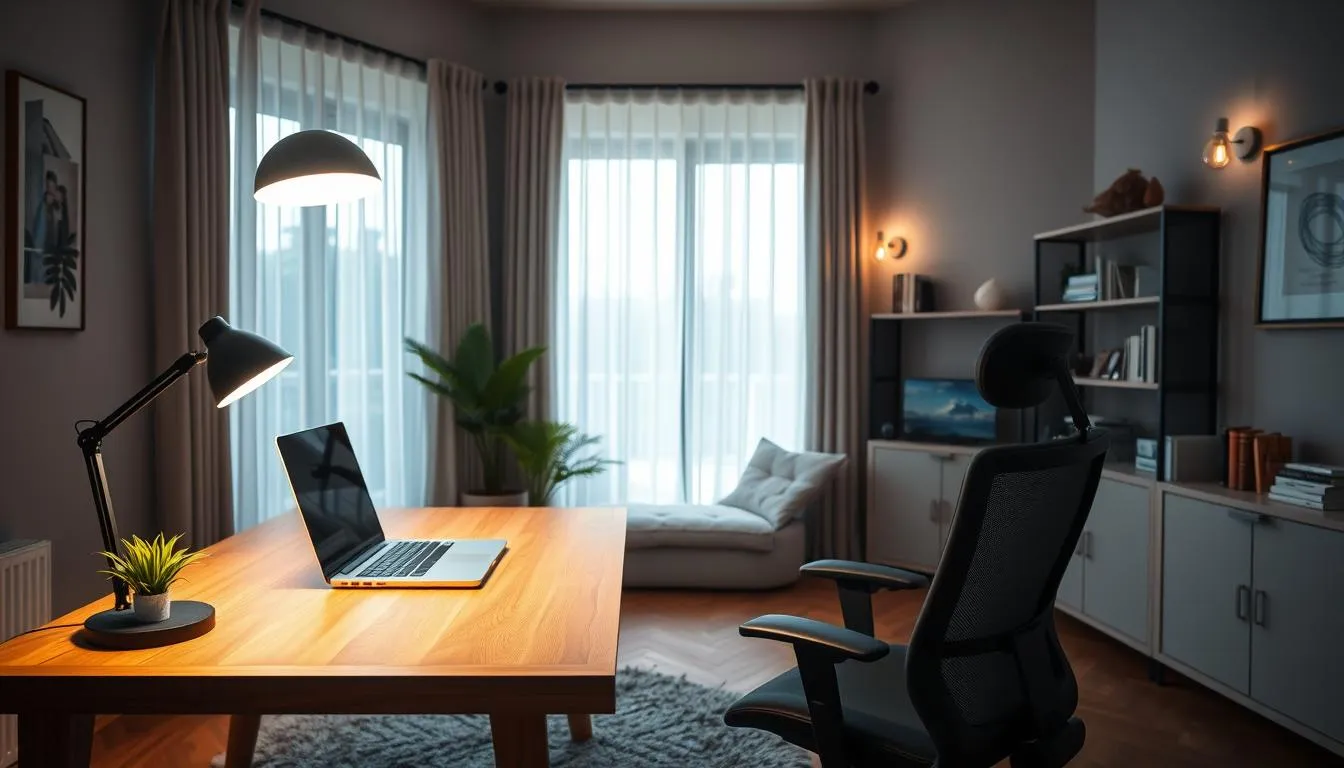
Layered lighting: ambient, task, and accent
Start with comfortable ambient light to set an even baseline. Add a task lamp for reading or paperwork near your primary work surface. Place a low-level accent light behind shelving or near art to reduce contrast and add warmth.
Choose warm-white temperatures for ambient fixtures and neutral tones for task lights. Brands like Philips Hue and LIFX offer bulbs that fit this plan and support smart lighting routines.
Positioning lights to reduce glare and flatter video calls
Place primary light sources at shoulder height or higher and slightly in front of your face to avoid screen glare. If you sit near a window, angle the monitor so daylight falls beside the screen, not directly behind or in front.
For video calls, use a diffused front light or a softbox-style lamp to soften shadows. Test setups at typical meeting times to ensure consistent results across seasons and weather.
Smart lighting that adjusts with natural light and schedules
Adopt smart lighting systems that dim or shift color temperature based on daylight and occupancy. AI-driven setups can lower brightness as evening falls and raise it for focus periods during the day.
Integrate motion sensors and circadian schedules into your home office lighting plan so the space supports work and wind-down routines without constant manual changes.
Acoustics and Sound Design for Better Meetings and Focus
Good sound design turns a noisy room into a calm workspace. Many home office trends put attention on reducing distractions from kitchens, living rooms, and shared spaces. Small changes can cut reverberation, tame background noise, and make meetings feel more professional.
Start with acoustic zoning: pick a dedicated corner for calls and place noisy activities farther away. Use rugs and heavy curtains to absorb mid and high frequencies. Soft furnishings and bookshelves add layers of damping that help focus during deep work.
Acoustic zoning and sound-absorbing materials
Create quiet pockets by arranging furniture to block direct sound paths. Wall-mounted panels and ceiling baffles cut reverberation in open-plan rooms. Designers often recommend wool or felt treatments for a calm look that matches modern interiors.
Practical home solutions: rugs, panels, and privacy screens
Practical fixes work fast. Place an area rug under your desk, add a few decorative panels behind your chair, and use a folding privacy screen to reduce visual and sound distractions. Portable panels let renters tailor a space without permanent changes.
Explore product lines that combine function and finish when you want a polished result. For a focused read on how acoustic options blend with design, check a detailed resource from Ekko Acoustics: acoustic design solutions.
When sound-masking or booths make sense for busy homes
Sound-masking systems help when quiet is inconsistent. They add low-level ambient noise that improves speech privacy during calls. Small acoustic booths or phone booths suit households with multiple remote workers or frequent client meetings.
| Solution | Best for | Typical benefit |
|---|---|---|
| Area rug + curtains | Single-person setup, budget-conscious | Reduces echo and softens footsteps |
| Wall-mounted panels | Home office with reflective surfaces | Improves call clarity and lowers reverberation |
| Portable acoustic screens | Renters and flexible spaces | Creates temporary quiet zones quickly |
| Sound-masking system | Shared homes with frequent calls | Enhances privacy and reduces intelligibility of distant speech |
| Acoustic phone booth | High-demand professional calls | Provides near-studio isolation for calls and recording |
Biophilic Design and Sensory Comfort
Bringing nature into a workspace softens tech and supports wellbeing. A biophilic design home office blends living plants, natural textures, and daylight to make work feel less like a task and more like a balanced routine. Small choices around touch, scent, and air quality build reliable sensory comfort for longer focus periods.
Easy-care plants and living elements that boost wellbeing
Choose low-maintenance plants such as pothos, snake plant, and ZZ plant. These species tolerate varied light and require infrequent watering. Place a few on shelves and one larger pot near the desk to create depth and reduce screen fatigue.
Consider a compact living wall or a tray of succulents for a narrow room. A simple wood desktop or a stone accessory ties the greenery to other natural materials in the room. These touches reflect modern office design trends that favor organic materials and human-centered layouts.
Textures, rugs, and scents that create focus rituals
Layer textiles: a soft wool rug, linen cushion, and leather desk mat add warmth and tactile contrast. Textures cue the brain to shift into work mode. Pick neutral tones with verdant accents to keep visuals calm while supporting creativity.
Use scent sparingly. A favored reed diffuser or a candle from a recognized maker like Carrière Frères can mark start and stop times without overwhelming the space. Ritual scents, used only during work hours, strengthen focus and signal transitions.
Temperature, ventilation, and small appliances for comfort
Comfort depends on air and temperature as much as layout. A quiet desk fan, a compact air purifier, or a small humidifier can stabilize conditions in year-round use. Place them where they improve circulation without creating distracting noise.
Monitor comfort through simple habits: open a window when possible, schedule brief breaks to move, and adjust layers rather than changing the thermostat radically. These small actions reinforce sensory comfort and align with modern office design trends that emphasize human wellbeing.
| Element | Benefits | Practical Tips |
|---|---|---|
| Easy-care plants | Improve air quality, reduce stress, boost focus | Use pothos, snake plant, or ZZ; group for visual impact; avoid overwatering |
| Natural materials | Add warmth, support cognition, reduce sterility | Choose wood desktops, stone accessories, and woven textiles |
| Layered textures | Create tactile comfort, define work rituals | Combine rugs, cushions, and desk mats in neutral palettes with green accents |
| Scent rituals | Signal focus and breaks, support mood | Use subtle diffusers or trusted candles only during work hours |
| Air and temperature tools | Maintain productivity and comfort over long sessions | Use quiet fans, air purifiers, and humidifiers; optimize window ventilation |
Good home office design supports many ways of working. Aim for clear zones, calm palettes, and simple routines that reduce surprises. These choices help families and individuals transform a room into an inclusive home office without complex renovations.
Low-stimulation zones and adjustable lighting options
Create a focus nook with minimal visual clutter and soft, indirect light. Use dimmable LED fixtures, layered task lighting, and blackout curtains to control brightness and color temperature.
Place fidget-friendly textures, a weighted throw, or a small soft chair in a separate chill corner for short breaks. Portable screens and rugs can mark low-stimulation areas without permanent changes.
Ergonomic variations to fit different bodies and needs
Choose seating and desks with broad adjustability. Sit-stand desks, monitor arms, and footrests let users find multiple postures during the day.
Mix chairs from brands like Herman Miller or Steelcase with budget-friendly options from IKEA to match needs and budgets. Offer cushions and lumbar supports for short-term comfort and long-term health.
Privacy strategies and flexible work settings at home
Define predictable quiet times and booking rules for shared homes. Portable privacy screens, noise-reducing panels, and scheduling apps help reduce interruptions for people who need steady focus.
Design workdays with activity shifts: focused work, collaborative check-ins, and rest breaks. This zoning follows modern office design trends and makes a home setup more resilient to different neurotypes.
Small investments in organization, color choice, and adaptable furniture yield a more inclusive home office. This approach ties neurodiversity design into broader modern office design trends while keeping everyday use simple and humane.
Budgeting Your Home Office Refresh: Small Updates to Full Upgrades
Refreshing a workspace on a careful home office budget can transform comfort and focus without breaking the bank. Start with targeted swaps that lift mood and clarity, then move to core investments that deliver long-term value. Below is a practical outline to help you prioritize upgrades in line with modern office design trends while keeping affordable home office upgrades front of mind.
Low-cost wins: lighting, cable management, and small storage
Small updates produce immediate impact. Swap harsh bulbs for LED task lamps that mimic daylight. Add simple cable trays and clips to tidy visible cords. Install floating shelves or under-desk organizers to clear surfaces.
These affordable home office upgrades typically cost a few hundred dollars and improve video-call lighting, reduce distractions, and create a polished look. For a compact guide, see a budget-friendly makeover idea at budget-friendly office makeover.
Core investment trio: desk, chair, and closed storage
After quick wins, prioritize three essentials. A height-adjustable desk supports movement and posture. A quality ergonomic chair protects the back and sustains long workdays. One closed cabinet or wardrobe keeps confidential items tucked away and reduces visual clutter.
Mid-range options for this core set balance cost and longevity. Choosing durable pieces aligns with modern office design trends and reduces repeated replacement costs over time.
When to splurge on luxury furniture and long-term returns
Splurging makes sense for a single high-impact item that will last. A solid-wood desk or a premium ergonomic chair from respected brands pays off through comfort and resale value. Luxury textiles, layered lighting, and artisanal finishes add refinement and resilience.
Designers recommend investing in function first and decor second. Thoughtful splurges should support health, flexibility, and acoustic comfort to maximize return on a constrained home office budget.
| Upgrade Tier | Typical Items | Estimated Cost Range | Primary Benefit |
|---|---|---|---|
| Quick Wins | LED task lamps, cable organizers, floating shelves | $50–$300 | Immediate clarity, tidiness, improved lighting |
| Core Investments | Height-adjustable desk, ergonomic chair, closed storage cabinet | $600–$2,500 | Posture, productivity, long-term organization |
| Full Upgrade | Luxury desk, premium chair, layered lighting, rugs, art | $2,500–$10,000+ | Durability, elevated feel, higher resale value |
- Prioritize ergonomic upgrades before decorative purchases.
- Select sustainable, modular systems that adapt as needs change.
Balancing quick, affordable home office upgrades with thoughtful core purchases lets homeowners follow modern office design trends while respecting their home office budget. Small moves now can deliver steady gains in comfort and efficiency later.
Designing a Shareable or Multiuse Home Office
Creating a functional multiuse home office means blending flexibility with clear boundaries. Choose compact, multi-purpose pieces that serve daily work and family life without taking over the room.
Flexible furniture keeps a shared home office usable for everyone. A lift-top coffee table, a slim console that doubles as a desk, and castered chairs make transitions simple. Program desk heights for each user and fit monitor arms with memory settings so each person returns to their preferred setup fast.
Mobile storage and convertible surfaces let the space reset after work hours. Rolling carts and tuck-away pedestals move out of sight. Lift-top surfaces and convertible desks provide breathing room for living areas once the day ends. Acoustic dividers on wheels create semi-private zones when meetings are happening.
Visual cues help signal work mode in shared zones. Use a dedicated rug, a task lamp, and consistent styling to mark the workspace. Focused lighting and a single decorative palette make the area read as intentional without clashing with the rest of the home.
Follow modern office design trends by favoring adaptable pieces and clear sightlines. A layered approach balances family needs and productivity. Keep options mobile, finish choices neutral, and add small, personal storage to respect different users.
For busy households, pick the quietest corner with controllable background sound and lighting. Rolling storage, lift-top tables, and convertible desks help the room serve multiple roles. This approach keeps a shared home office tidy and welcoming for both work and life.
Conclusion
The 2026 modern home office blends style, comfort, and smart technology into a long-term base for hybrid life. Start with one meaningful upgrade—a height-adjustable desk or a well-engineered ergonomic chair—then refine layout, lighting, and storage until the workspace feels like a focused, stylish productivity hub. Small, steady changes follow the best home office styles and make daily work more comfortable and efficient.
Broader workplace shifts—AI-enabled adjustments, acoustic intelligence, biophilic elements, and neurodiversity support—shape practical choices for homeowners. Applying these modern office design trends at home creates intentional, human-centered spaces that balance tech and well-being. Thoughtful materials, layered lighting, and sensory comfort turn compact corners into high-functioning setups aligned with current home office trends.
Essentials stay consistent: good task lighting, a supportive chair, adequate desk area, and clear storage. Rituals like regular decluttering and simple visual cues preserve focus and make the space welcoming. Whether you aim for minimalist greige palettes or warm wood-and-black contrasts, lean on the best home office styles to guide decisions that last.
FAQ
What makes the modern home office a permanent part of home life?
By 2026 the home office is no longer temporary. Hybrid work is established, and people invest in repeatable, comfortable work environments that blend style, productivity and ergonomics. A permanent home office supports deep focus, reliable video meetings, and health with a proper desk, an ergonomic chair, good lighting and at least one closed storage piece.
How does hybrid work change how I should outfit a home workspace?
Hybrid schedules require flexible, multipurpose spaces. Design choices should support focused solo work, virtual collaboration and occasional in‑person tasks. That means activity‑based layouts, height‑adjustable desks, modular storage, acoustic strategies for calls and tech that adapts to changing needs.
What starter checklist should I follow before buying furniture?
Start with location: pick a dedicated or semi‑separate spot with controllable light and sound. Define three zones—focus, storage and a tiny relax area. Then prioritize the command‑trio: a height‑adjustable desk, a stylish ergonomic office chair and one closed cabinet. Add lighting, cable management and monitor arms next.
Where is the best place in my home to set up a workspace?
Ideal spots are spare bedrooms or studies. In smaller homes, use a bedroom corner, a quiet living‑room wall, an alcove or a wide hallway. Avoid noisy adjacencies like kitchens and entryways. Choose a position with natural light that doesn’t create harsh screen glare and consider what will appear behind you on video calls.
How do I manage video backgrounds for professional calls?
Keep backgrounds simple and intentional: a plain wall, a styled bookshelf, or a low cabinet works best. Use cohesive decor that ties into the rest of your home. Test your camera angle and lighting at typical meeting times to ensure a flattering, distraction‑free view.
What are the health and productivity benefits of a height‑adjustable desk?
Sit‑stand desks let you alternate postures, reduce prolonged sitting, and pair well with adjustable monitor arms to improve neck posture. Research links ergonomic seating and desks to roughly 17% productivity gains and fewer musculoskeletal issues, so adjustable desks are a high‑value investment.
What should I look for when choosing a sit‑stand desk?
Prioritize stability, sufficient width for monitors and notes, quiet motors with memory presets, and good cable management like grommets or under‑desk trays. Aim to program at least one sitting and one standing height and switch positions several times daily.
How do I choose an ergonomic chair that still looks good at home?
Look for adjustable seat height, basic lumbar support, a stable base and smooth casters or swivel. Select neutral colors and clean lines so the chair integrates with home decor. Fabric seats with metal bases can feel softer than mesh while still supporting posture—invest in the chair before splurging on decor.
What core tech should every modern home office include?
Essentials are a reliable Wi‑Fi connection, one or two monitors at eye level, a good camera and microphone, and power/data management. Use monitor arms, program memory heights, and hide cables with grommets, under‑desk trays or closed storage to keep the look clean.
Can smart home tech and AI improve my workspace?
Yes. Smart lighting that follows circadian schedules, adaptive scenes that switch for “work” or “wind‑down,” and smart thermostats improve comfort and focus. Simple AI features—automated lighting adjustments or occupancy sensing—bring commercial trends into the home for better routines and energy savings.
How should I handle cable management in a home office?
Route cables through desk grommets, use under‑desk trays, zip ties and adhesive channels. Hide bulky equipment in closed cabinets or on mobile carts. For small spaces, use multifunction furniture with built‑in cable channels and keep power strips mounted under the desk to reduce clutter.
What color palettes and materials work best for a calm, modern office?
Warm neutrals—off‑white, greige and light oak—form a soothing base. Black‑white‑wood combinations feel contemporary and cohesive. Use tactile materials like wood grain desktops, linen upholstery, matte metal legs and leather accents for quiet luxury that reads as elevated, not flashy.
How much storage do I need and what kind is best?
At minimum include one closed storage piece to hide printers, paperwork and cables. Use closed cabinetry for bulk items and open shelving for curated displays. Built‑ins, mobile cabinets and under‑desk drawers help small homes stay tidy; perform quarterly purges to maintain order.
What lighting strategy should I use for long screen sessions?
Layer ambient, task and accent lighting. Use a task lamp for paperwork and diffuse frontal/side lighting for video. Position lights to avoid screen glare and consider smart bulbs or presets to shift brightness through the day. Test light at typical meeting times to ensure consistency.
How do I make my home office good for meetings and sound privacy?
Create acoustic zones by avoiding noisy areas, adding rugs, curtains and soft furnishings to dampen sound, and installing wall‑mounted acoustic panels if needed. Portable privacy screens or a small sound‑masking device help in busy households. For heavy callers, consider a small booth or dedicated quiet corner.
How can biophilic design improve my workspace?
Plants, natural wood surfaces and landscape art soften tech‑heavy setups, reduce stress and boost creativity. Easy‑care plants, natural materials and maximized daylight improve wellbeing. Use tactile rugs and organic textures to create a peaceful, human‑centered workspace.
How do I design for neurodiversity and inclusive workstyles at home?
Offer low‑stimulation zones, adjustable lighting, and minimized visual clutter. Provide multiple posture options—sit, stand and recline—and use portable privacy screens or scheduling to create predictable quiet windows in shared homes. Choose furniture that accommodates diverse bodies and sensory needs.
What are budget‑friendly upgrades vs. full transformation costs?
Low‑cost wins include better task lighting, cable management and small storage—typically a few hundred dollars. The core investment trio (height‑adjustable desk, ergonomic chair, closed cabinet) sits in the mid‑range. Full transformations with luxury materials, layered lighting and bespoke built‑ins cost more but deliver longevity and resale value.
How do I make a shared or multiuse home office work for different users?
Use flexible furniture—lift‑top surfaces, castered carts and programmable desks. Choose monitor arms with memory settings and adjustable chairs. Visual cues like a rug or focused lighting signal “work mode,” and mobile storage rolls away when the space needs to return to living use.
What small‑space solutions let me create a productive office in a studio or alcove?
L‑shaped desks, low media consoles, lift‑top coffee tables and castered chairs create compact, adaptable workstations. Built‑ins in an 8×10 ft alcove or a floating desk with cabinetry in a 10×13 ft area maximize utility. Prioritize clever storage and cable routing to keep the footprint clean.
What daily rituals and maintenance keep a home office functioning long term?
Establish a start‑of‑day ritual to cue focus and a five‑minute reset to clear clutter between tasks. Perform quarterly declutters, inventory frequently used items, and tidy closed storage. Mini refreshes—new bulbs, cable tidy, swapped accessories—keep the space inviting without a full overhaul.