
How to Organize Your Home Office for Maximum Efficiency
Unlock the secrets of how to organize your office with our expert tips for creating an efficient, clutter-free home workspace. Transform productivity!

29 min read
Surprisingly, studies show that an average worker loses up to 1.5 hours a day to clutter and disorganization—time you can regain with simple systems. Treating cleanliness as a system, rather than a one-time chore, changes how you approach home office organization. A five-minute end-of-day surface clear keeps the desk reset-ready and prevents small messes from growing into bigger interruptions.
Start by connecting with your why: why you work from home and what tasks deserve uninterrupted focus. That clarity helps you choose furniture and storage that support your needs. Opt for quality where it matters—refurbished ergonomic chairs or compact shelving like the Yamazaki Desk Organizer can be smarter investments than trendy, bulky pieces.
Practical systems are the core of efficient workspace organization. Break your room into zones, use labeled containers, and adopt a regular purge routine so papers and gadgets don’t pile up. These are some of the best office organization methods that turn good intentions into lasting habits.
Key Takeaways
- Think of cleanliness as a system: end each day with a quick surface clear.
- Define your purpose to guide choices about furniture and layout.
- Create zones and use labeled storage to cut decision time and stress.
- Invest in a few quality pieces rather than filling space with excess.
- Schedule regular overhauls to keep home office organization tips working long term.
how to organize office
Start by clarifying what you want your space to do for you. A short visible mission helps guide choices about furniture, storage, and routines. Keep your mission to one sentence and post it where you will see it every morning.
Define your goals and purpose
Write down why your workspace exists and what success looks like. A simple note like “Focus on deep work three hours daily” turns vague intent into a concrete goal. Use a printed planner or a wall whiteboard to link daily tasks to larger aims.
Assess current pain points and common distractions
Walk through a typical workday and list interruptions. Common issues include kids, pets, kitchen noise, and unclear file homes. Time how long it takes to find often-used items and track task switches for a week to create a baseline.
Set measurable productivity markers
Pick two or three metrics to watch: search time for documents, number of task switches, and missed deadlines. Set targets, for example reduce search time by 50% in one month. Check progress weekly and tweak systems until they work.
Practical steps you can use right away:
- Create a visible mission statement and place it above your desk.
- List the top daily and weekly goals as P1, P2, P3 on a planner card.
- Note distractions and schedule brief buffers to handle them.
- Time how long common searches take and set a reduction target.
These actions form the foundation for home office organization tips and efficient workspace organization. Small, measurable changes make it easier to maintain order and protect focused work time.
| Action | Why it helps | Quick target |
|---|---|---|
| Visible mission statement | Keeps daily choices aligned with long-term goals | Post one-sentence mission today |
| P1/P2/P3 nightly plan | Reduces morning friction and decision load | Plan top three tasks each night |
| Track search time | Gives a measurable baseline to improve filing | Reduce search time by 50% in 30 days |
| List distractions | Helps create targeted solutions for interruptions | Identify top three distractions this week |
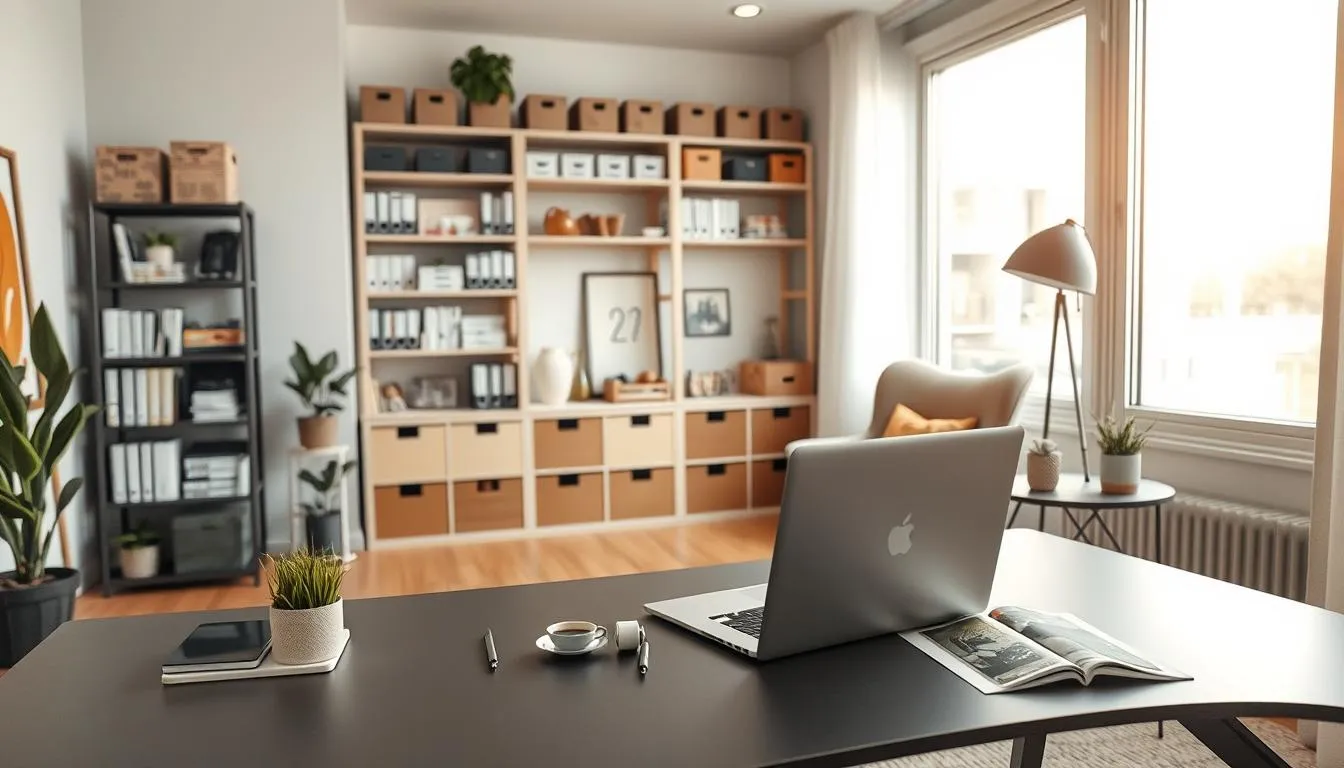
Good zone planning makes daily routines smoother and reduces decision fatigue. Start by mapping three areas: a focused work surface, a storage zone for supplies, and a small break nook that signals downtime. This layout supports efficient workspace organization and keeps tools within reach while protecting mental borders between tasks and home life.
Designate a focused work area with an ergonomic desk and chair
Choose a desk that fits your tasks. A larger surface works for spreading papers. A wall-mounted desk or a fold-down table suits tight rooms. Pair it with an ergonomic chair such as the Herman Miller Aeron or a well-refurbished option to support long sessions. Keep only essentials on the surface to maintain the best office organization methods.
Set up a storage zone for supplies and a separate inbox area
Use stackable boxes, a rolling cart, or floating shelves to store supplies near the desk. Label boxes so you can find what you need fast. Reserve one empty drawer or a spare magazine holder for overflow. Create a clear inbox area for incoming paper, with trays labeled Read, File, and Action to follow simple home office organization tips.
Include a small break or thinking nook to preserve mental separation
Carve out a tiny spot with a comfy throw and a small lamp or plant. A nook can be a corner chair, a window seat, or a stool by a shelf. Use this space for short breaks, phone calls, or idea time. Keeping a separate break area helps your brain switch modes and boosts long-term focus.
| Zone | Purpose | Suggested items | Quick tip |
|---|---|---|---|
| Work area | Focused tasks, computer work, writing | Ergonomic desk, supportive chair, monitor, lamp | Keep only daily essentials on the desk |
| Storage zone | Supplies, reference materials, overflow | Stackable boxes, rolling cart, shelves, labeled trays | Reserve one empty drawer for surprise overflow |
| Inbox area | Incoming mail and action items | Tiered trays, wall magazine rack, labeled folders | Process inboxes daily to avoid buildup |
| Break nook | Mental reset, informal thinking, short breaks | Cozy chair, throw, small side table, plant | Limit work items in this spot to preserve separation |
When floor area is tight, walls become your best ally. Think of vertical solutions as simple upgrades that clear clutter, lift storage, and keep essentials at eye level. These moves show how to organize office areas so work flows without fighting for surface space.
Install wall shelves and floating cabinets to free desk surface
Mount floating shelves above the desk to hold binders, reference books, and a few decorative items. Choose shallow depths so shelves don’t overwhelm the workspace. Floating cabinets with doors hide supplies and keep the desktop free for tasks that matter most.
Add hanging organizers and wall pockets for mail and notes
Use wall magazine racks from IKEA or the Poppin wall pocket organizer to route incoming paper away from your keyboard. Hanging pockets sort mail, bills, and invoices into clear channels. Label each pocket so processing becomes a one-step habit.
Choose wall-mounted whiteboards or pegboards for visual planning
Attach a categorized whiteboard to map weekly goals, deadlines, and priority lists. Pegboards offer flexible hooks, shelves, and bins for scissors, chargers, and small tools. Magnetic strips keep metal items visible and off the desk. These boards support efficient workspace organization and quick visual checks.
| Solution | Best for | Practical tip |
|---|---|---|
| Floating shelves | Books, binders, decorative storage | Install at eye level and keep shelf depth under 10 inches |
| Wall cabinets | Hidden supplies, bulky items | Choose soft-close doors to reduce noise |
| Hanging pockets / magazine racks | Mail, invoices, active papers | Label pockets: Read, File, Action |
| Whiteboards | Monthly planning, quick notes | Divide into sections: Today, This Week, Goals |
| Pegboards | Tools, headphones, small bins | Mix hooks and small shelves for flexible layouts |
| Magnetic strips | Scissors, metal tools, clips | Mount near task zones for one-hand reach |
A simple multi-inbox keeps paper moving and your desk clear. Treat the inbox like a tiny mailroom: nothing stays there long. This approach shows you how to organize office paperwork so urgent items stand out and routine forms find a fast home.
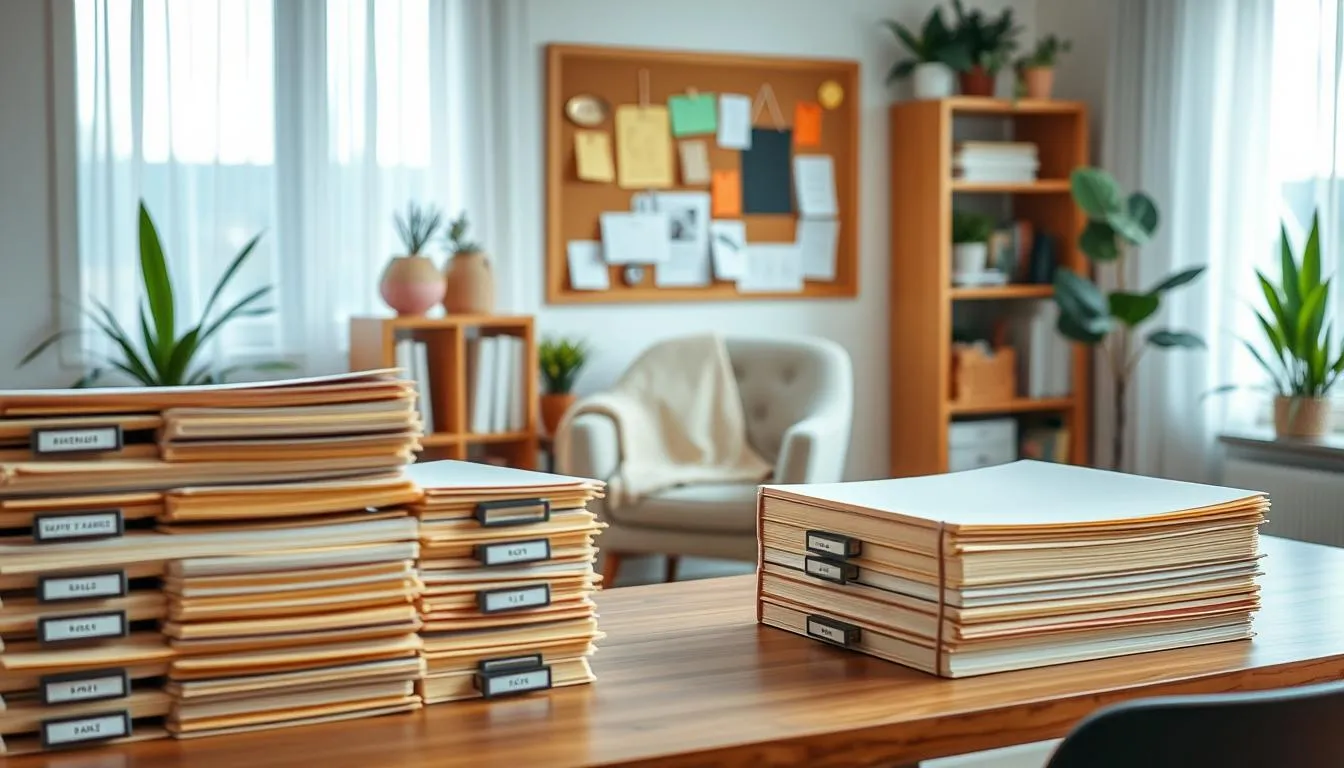
Start by labeling trays or wall-mounted magazine racks with clear categories. Use Read, File, Send, Sort, and This Week. Labels make decisions faster and stop piles from growing into stress.
Set short daily processing windows of five to ten minutes to clear the Read and Send trays. Add a weekly block for deeper sorting and filing. These quick habits are some of the best office organization methods for steady upkeep.
Keep processing tools visible. A small stapler, a roll of stamps, sticky notes, and a pen caddy on a nearby shelf speed completion. Wall pockets or a shelf-mounted tray help remove stacks from your desktop while staying within reach.
Combine physical filing with digital backups. Scan receipts and contracts, then tuck originals into labeled folders. This hybrid system reduces clutter and supports long-term retrieval—one of the most practical home office organization tips.
Below is a compact setup guide to get started. Follow it to build a reliable, low-effort paper flow that keeps work moving and surfaces clear.
| Inbox Slot | Primary Use | Daily Action | Weekly Action |
|---|---|---|---|
| Read | Articles, notes, quick reviews | Skim and move to File or Send | Archive or discard read items |
| File | Documents to keep long term | Label and scan essentials | Sort into folders and binders |
| Send | Outgoing mail, forms, invoices | Prepare and dispatch same day | Verify sent and follow up |
| Sort | Unsorted receipts, to-be-categorized items | Quick triage to File or This Week | Complete categorization and file |
| This Week | Active projects and urgent tasks | Work items during focused blocks | Move finished items to File or Send |
Small items make a desk look messy fast. Use a few smart containers to keep everything in place and reduce the time you spend searching for supplies.
Group frequently used items into one desktop cluster so your must-haves stay within reach. Choose a large tray or a Yamazaki Desk Organizer-style unit to hold a phone, notebook, and a pen cup. This creates a clear visual zone and supports efficient workspace organization.
Repurpose small containers for chargers, paper clips, and spare batteries. Mason jars, small condiment trays, or recycled watch boxes work well. Label each container so you know where things belong and waste less time deciding where to put them.
Keep a single stash basket for in-progress items. When a project needs temporary tools, drop them in that basket instead of leaving them scattered. At the end of the day clear the basket into its permanent spots to keep clutter from accumulating.
Adopt a simple routine: purge dead pens, remove unused cables, and return items to their trays after use. These home office organization tips shorten cleanup time and reinforce how to organize office habits that stick.
For extra surface freedom, use a shallow caddy or drawer divider for sticky notes, USB sticks, and business cards. This supports efficient workspace organization while keeping your Zoom background tidy and professional.
Adopt a digital-minimalist approach to reduce physical clutter
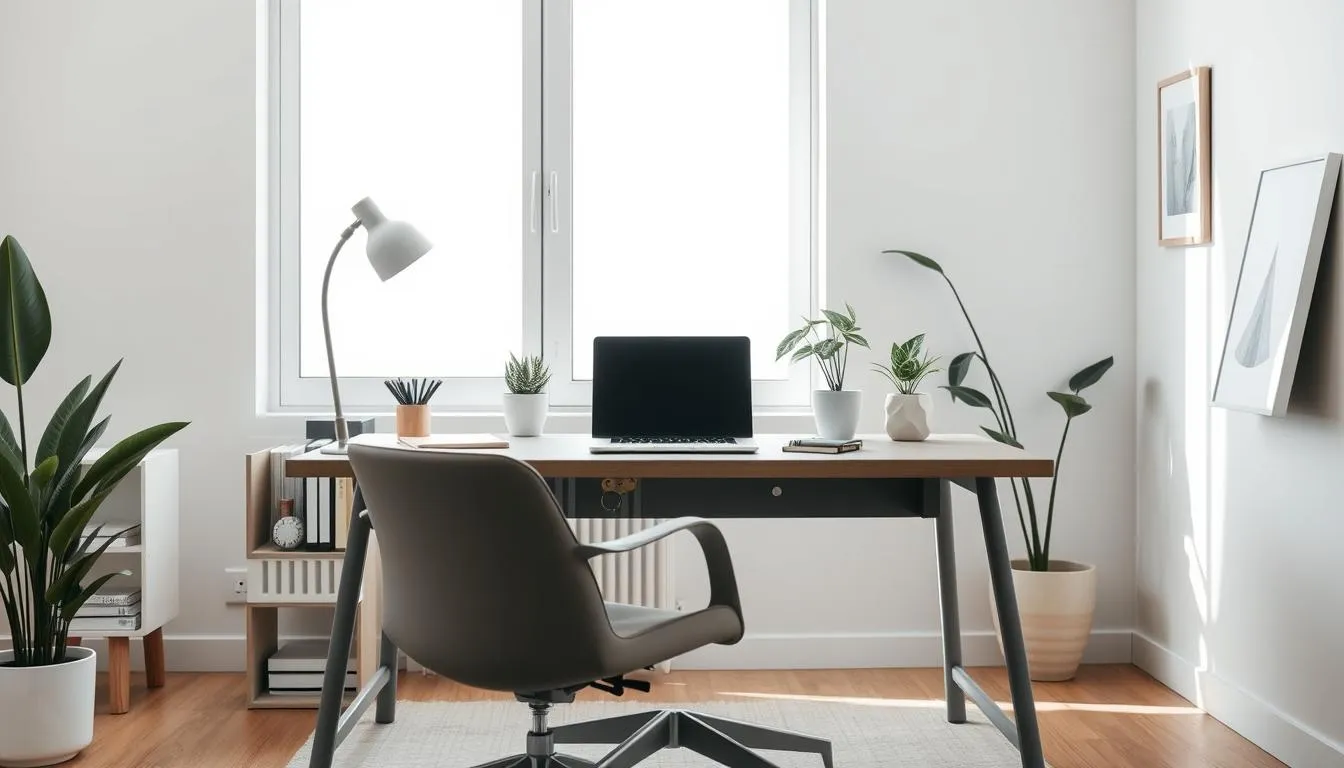
Cutting paper and keeping digital systems tidy ranks high among the best office organization methods. Start by scanning important documents with a dedicated scanner or a reliable app. Label files with a clear convention such as YYYY-MM-DD_project_name_version so you can find items fast.
Move bank statements, receipts, and reference papers into searchable PDFs. Use Smallpdf or a similar tool to compress large files before archiving them. Set a monthly digital purge reminder to delete duplicates and outdated drafts.
Organize computer files into a simple folder tree with project subfolders. Keep the desktop minimal. Consistent names and subfolders reduce time wasted searching and support how to organize office workflows.
Automate routine housecleaning tasks in your digital life. Create recurring cleaning and filing tasks in Asana or Trello to maintain order. Batch-scan receipts and batch-archive completed projects to save attention for deep work.
Use automatic backups and cloud storage like Google Drive or Dropbox to protect scanned archives. Compress archives when needed and test restores so you trust the system. These habits pair well with home office organization tips for long-term calm.
Adopt a few intentional items on your desk and let the rest live digitally. Apply the 80/20 rule: keep only essentials at hand and move everything else to digital folders. This is one of the best office organization methods for reducing visual distraction.
For more step-by-step guidance on scanning, naming, and scheduling digital purges, consult this practical resource: home office organization tips.
Design efficient drawer and shelf organization
Small changes to drawers and shelves make a big difference when you focus on efficient workspace organization. Start with a clear plan for what you use daily and what can live out of sight. Keep paragraphs short so steps are easy to follow and quick to act on.
Install adjustable dividers in deep drawers to create dedicated zones for pens, notebooks, and tech. Use labeled boxes for small items so nothing drifts between compartments. Labeling speeds retrieval and keeps systems honest.
Use dividers and labeled boxes to keep drawers functional
Choose spring-loaded dividers or modular trays that flex to fit your drawers. These tools fit a range of sizes and reduce the need for custom builds. Pair dividers with clear or neutral labeled boxes to keep similar items together.
For best results, group like items and store overflow in stackable boxes. A consistent system makes it easier to answer how to organize office items fast.
Stack decorative storage boxes for infrequently used supplies
Stack decorative boxes on open shelves to hide archives and seasonal supplies. Pick boxes in one color or style for a calm visual line. This approach keeps the desk drawers for daily essentials and frees up workspace.
Consider refurbished filing cabinets or a curated shelving line from IKEA or West Elm to combine style with function. Use a cart nearby for items you want within reach but not on the desk.
Keep at least one empty drawer or shelf spot for overflow
Reserve one empty drawer or shelf as a temporary zone for ongoing projects and paper piles. An empty spot prevents chaos from spreading and gives you breathing room during busy weeks.
Schedule quarterly overhauls to re-sort that reserved space. Periodic resets avoid creeping clutter and support long-term home office organization tips.
| Task | Recommended Tool | Why it helps |
|---|---|---|
| Sort small supplies | Modular drawer dividers | Keeps items separated and easy to find |
| Store rarely used items | Stackable decorative boxes | Clears drawer space and creates a tidy shelf look |
| Temporary project holding | One empty drawer or shelf spot | Prevents overflow and stops piles from spreading |
| Extras and mobility | Rolling cart with labeled bins | Provides nearby storage without cluttering the desk |
| Quarterly maintenance | Label maker and checklist | Maintains order and reinforces how to organize office routines |
Label everything to speed retrieval and reduce decision fatigue
Clear labels change how your workspace feels and functions. When you know where things belong, small choices vanish and focus improves. These home office organization tips help you spend minutes on real work instead of hunting for supplies.
Start by labeling boxes, trays, drawers, and digital folders with a consistent system. Use large, readable fonts and place labels where they are instantly visible. A uniform approach makes the best office organization methods repeatable across shelves and screens.
Label boxes, trays, drawers, and digital folders
Assign each physical container a single purpose. Mark inboxes for Read, File, and Action. Mirror those names in your cloud folders so you can find scanned receipts or project drafts fast. This reduces clutter and keeps paper from piling up.
Use a consistent labeling method and visible fonts
Choose one label style, one naming convention, and one font size for everything. A label maker or printed labels deliver cleaner, faster results than handwriting. Read about label makers vs handwritten labels for practical comparisons and device options here.
Include color-coding for quick visual sorting
Apply colors to categories: green for finances, blue for projects, red for urgent items. Carry that color logic into digital folders by adding the same terms or color tags. Color coding speeds retrieval and lowers mental load when deciding what to open next.
For best-office-organization methods, pair labeling with weekly resets. Reprint worn labels, update category names, and keep one empty tray for overflow. This routine preserves order and keeps decision fatigue at bay.
Control cables and tech clutter for a cleaner workspace
Keep your desk tidy by treating cables as part of your design plan. Small fixes can make a big difference when you learn how to organize office wiring, create a central charging spot, and reclaim surface area for work.
Tether cables with clips, sleeves, and under-desk channels
Start by unplugging and sorting cords into groups: laptop, monitor, phone, Ethernet, and power. Use braided sleeves or Velcro ties to bundle related cables. Attach cable clips along the desk edge to keep charging cords within reach without tangling.
Install an under-desk cable tray to lift power strips and excess loops off the floor. Monitor arms with built-in routing help keep display cords hidden and improve ergonomics. For a deeper guide, consult a detailed cable management resource from Hexcal at clean desk setup tips.
Create a central charging station for devices
Consolidate chargers with a multi-port charging hub placed in a drawer or on a shelf. Label each cable so you can grab the right one fast. Wireless charging pads cut down on cords and work well for phones and earbuds.
Keep the charging station near a power strip mounted under the desk. This arrangement supports efficient workspace organization by keeping chargers accessible yet out of sight.
Choose clamp-on lamps and monitor-mounted accessories to save surface area
Clamp-on LED lamps free up desk real estate. A monitor-mounted webcam or light keeps the surface clear for notes, books, or a second laptop. Consider monitor arms from brands like Ergotron to lift screens and route cables cleanly.
Small containers or desk caddies can hold single-use adapters and spare cables. This reduces visual clutter and makes it easier to maintain order as your gear changes.
Follow a step-by-step check: gather clips, sleeves, trays, and a charging hub; unplug and untangle; bundle and route; mount power strips under the desk; label everything; test devices. These practical home office organization tips support long-term upkeep and faster resets.
- Cable clips for edges and walls
- Velcro ties and braided sleeves
- Under-desk cable tray and mounted power strip
- Multi-port charging station or wireless pad
- Clamp-on lamps and monitor arms
Incorporate daily and weekly reset routines for sustained order
Small, regular habits keep a workspace tidy. Use a short end-of-day sweep to clear surfaces, stash in-progress items, and prep a fresh start for tomorrow. These routines help show how to organize office tasks into bite-size actions that avoid chaotic mornings.
Design a simple rhythm that fits your week. Try a 5–10 minute surface clear each evening. Add a 30–60 minute tidy session on a chosen day to sort mail, empty trays, and handle quick filing. Pair these moves with home office organization tips like keeping a labeled inbox and one designated pen caddy.
Make monthly overhauls part of your plan. Spend one session on deep file review, purge old receipts, and restock supplies. This prevents slow build-up and supports efficient workspace organization for both paper and digital clutter.
Use tools and automation to stay consistent. Set recurring tasks in Asana or Google Calendar to remind you of weekly tidies. Assign simple chores to family members or a housecleaner to protect focus time and keep the system running.
Consider hiring professional cleaners quarterly if your schedule is tight or if you need a more thorough reset. Periodic service can tackle dust, hidden clutter, and tasks that are easy to defer, leaving you free to focus on work.
Below is a compact routine plan you can copy and adapt. The table shows time, task, and the intended benefit so you can measure results and refine your approach to efficient workspace organization and lasting calm.
| Frequency | Time | Task | Benefit |
|---|---|---|---|
| Daily | 5–10 minutes | Surface clear: put away papers, charge devices, wipe desk | Reset-ready start, fewer morning decisions |
| Weekly | 30–60 minutes | Deeper tidy: sort inboxes, clear desktop folders, vacuum | Prevents backlog, reinforces home office organization tips |
| Monthly | 60–120 minutes | Overhaul: archive old files, audit supplies, update labels | Reduces clutter accumulation, supports how to organize office |
| Quarterly | 2–4 hours or professional visit | Deep clean or hire service for thorough cleaning and pest checks | Restores order, addresses hidden issues, frees your time |
A well-zoned desk cuts decision fatigue and keeps focus. Start by reserving a clear central space for writing and spreading papers. Keep decorative items to two or three inspiring pieces so the surface stays tidy and useful for real work. These home office organization tips help you keep daily habits simple and repeatable.
Arrange tech to one side: monitor, keyboard, and charging hub form the computer zone. Place a planner, sticky notes, or a small whiteboard on the opposite side for planning and quick sketches. A single small notebook and a nearby trash can make it easy to capture ideas and toss scraps without breaking flow.
Use simple organizers like the Yamazaki Desk Organizer or a compact caddy for pens, chargers, and in-progress items. Limit the number of objects on the surface to essentials only. This approach answers the question of how to organize office items so they return to a home after each use.
Create an easy return system. After finishing a task, put items back in their assigned zones. Mark a single stash spot for works in progress. When storage is obvious, clutter drops and the desk stays ready for focused work.
For larger planning, mount a whiteboard or pegboard nearby. Keep one visible planning area for weekly goals and deadlines. You can read a practical take on zoning and foot-traffic reduction in a thoughtful office redesign at this office design write-up, which inspired many of these ideas.
These measures form a core of efficient workspace organization and practical home office organization tips. Follow them and your desk becomes a tool for clarity, not a source of distraction.
Automate, delegate, and systematize mundane tasks
Freeing mental space starts with small systems that run without constant input. Set clear routines for cleaning, filing, and bill paying so your workday stays focused. Use technology and help from others to keep your desk tidy and your time protected.
Set recurring tasks in tools like Asana, Todoist, or Google Tasks to schedule weekly filing, monthly purges, and surface clears. Recurring reminders reduce friction and teach consistent habits that form the backbone of the best office organization methods.
Use automation for financial and data maintenance. Automate bill pay through your bank, enable scheduled cloud backups with Backblaze or Google Drive, and archive old files on Dropbox. These steps cut manual housekeeping and protect critical documents.
Delegate chores that interrupt deep work. Hire a cleaning service when the budget allows or use grocery delivery to save time. Outsource design tasks or errand runs to free focus for high-value work. Delegation ranks high among how to organize office systems for sustained productivity.
Batch admin tasks into single sessions. Block time on your calendar for email triage, invoicing, or receipts. Batch processing pairs well with recurring task systems to keep small tasks from ballooning into distractions.
Combine tools and people into a simple workflow. For example:
| Task | Automation | Delegation | Frequency |
|---|---|---|---|
| Surface clearing and light clean | Recurring Asana task | Weekly cleaner or household rota | Daily/Weekly |
| Paper filing and purge | Calendar reminders; scan with Adobe Scan | Virtual assistant for indexing | Weekly/Monthly |
| Bill payments | Bank autopay and email receipts | Bookkeeper for reconciliation | Monthly |
| Backups and data maintenance | Scheduled Backblaze or Google Drive sync | IT support for restores | Daily/Weekly |
| Errands and grocery runs | Recurring orders via Instacart or Amazon Subscribe | Partner, family member, or errand service | Weekly |
Style your workspace to boost focus and well-being
A well-styled home office makes work feel easier and keeps you coming back. Small choices shape mood and stamina. Use decor that doubles as storage so the space stays tidy and useful.
Add a living element and a single art piece. Place a low-maintenance plant like a snake plant or pothos near your desk. Hang one piece of wall art that inspires calm. These touches provide visual interest without creating clutter.
Make seating comfortable and durable. Choose an ergonomic chair that fits your posture needs. Consider a refurbished option from a trusted shop or a handcrafted piece from manufacturers such as Snyders Furniture for quality that lasts. A cozy throw on the chair invites longer, focused sessions while supporting efficient workspace organization.
Layer lighting and pick soothing colors. Combine a clamp-on task lamp with soft ambient lighting to reduce eye strain. Warm tones and muted accent colors lower visual fatigue. Keep textures simple so surfaces stay easy to clean and maintain.
Use decorative storage and planners as tools. Stack attractive boxes for supplies and use printed planners or custom bookmarks to keep priorities visible. Color-code folders and keep one clear inbox to follow how to organize office tasks without confusion.
Limit personal items to preserve focus. Display a single photo or memento and a functional calendar that fits your rhythm. Minimal personal touches reduce distraction while strengthening emotional comfort, a key part of home office organization tips.
Adopt energy-wise upgrades when possible. Swap to LED bulbs and choose durable, repairable furniture to support long-term use and lower running costs. Small sustainable choices help maintain an efficient workspace organization that feels good day after day.
Conclusion
Organizing your workspace is less about willpower and more about simple systems you can repeat. Use daily surface clears, a multi-inbox paper routine, vertical storage, and small trays to keep clutter from returning. These practical home office organization tips make upkeep quick and reduce decision fatigue so you can focus on meaningful work.
Design intentional zones for focused tasks, storage, and short breaks. Pair labeled boxes and consistent digital folders with cable management and a regular purge plan. The best office organization methods combine physical order and digital-minimal habits to free up mental space and boost productivity.
Start with a few core changes—clear desk, labeled filing, cable control, and daily resets—and add routines over time. Schedule weekly tidies and periodic deep cleans or professional services if needed. Following these steps will help you learn how to organize office systems that last, lower stress, and create room for clearer, calmer work.
FAQ
How do I define the purpose of my home office so organization actually supports my work?
Start by writing a visible mission statement that answers what your office must accomplish—focus, client work, creative projects, bookkeeping, etc. List your top three daily priorities (P1, P2, P3) and post them where you can see them. Tie tools (planner, whiteboard, bookmarks) to those priorities so every item in the room has a clear job. Track outcomes (less search time, fewer missed deadlines) to confirm the setup supports your purpose.
What’s the fastest way to assess current pain points and distractions?
Make a short audit: note distractions (kids, pets, household noise), time how long it takes to find five frequently used items, and list recurring tasks that pull you from deep work. Use that baseline to set targets—example: cut search time by 50% in 30 days—and then map zones and systems to address the biggest time drains.
How should I set measurable productivity markers for my workspace?
Choose simple, trackable metrics: minutes spent searching for items, number of context switches per day, missed deadlines, or time to clear your desk at day’s end. Measure for a week, set realistic improvement goals (e.g., halve search time), and check progress monthly after implementing zones, labeling, and digital purges.
How do I create clear zones for work, storage, and breaks in a small space?
Map the room into three zones: a focused work area with an ergonomic desk and chair; a storage zone with shelves, stackable boxes, and a multi-inbox; and a small break nook—chair, throw, or corner for thinking. Keep the work surface clear, store frequently used items within arm’s reach, and reserve one drawer or shelf empty for overflow.
What ergonomic basics should I include when designating my focused work area?
Invest in a comfortable chair and a desk at the right height, ideally with monitor arms and a clamp-on lamp to free surface area. Ensure there’s enough clear space to write, a notebook nearby, and easy access to a trash can. Consider refurbished ergonomic chairs if budget and sustainability matter.
How can I use vertical space effectively in a small home office?
Install floating shelves, wall-mounted cabinets, and magazine racks to lift paperwork off the desk. Add wall pockets, pegboards, or magnetic strips for tools and mail. Use a categorized whiteboard or pegboard for visual planning so weekly and monthly items stay visible without cluttering the surface.
What is a multi-inbox paper system and how do I set one up?
A multi-inbox divides incoming paper into labeled sections such as Read, File, Send, Sort, and This Week. Use trays, wall magazine holders, or vertical racks and process those trays daily or during a short weekly block. Nothing should live in an inbox long—treat it like a mailroom and schedule routine processing windows.
How can trays and small containers tame desktop clutter?
Group commonly used items in one tray and use small labeled containers for paper clips, chargers, and pens. Keep a single “stash” basket for mid-task items and regularly purge nonworking supplies. Repurpose flea-market trays or stylish desk organizers (e.g., Yamazaki-style pieces) to keep essentials tidy and quick to clear.
What does being a digital minimalist look like for a home office?
Scan and archive important documents, adopt consistent file naming (YYYY-MM-DD_project_version), compress large files with tools like Smallpdf, and set a monthly purge reminder. Automate backups to cloud storage and use recurring tasks in Asana or Todoist for digital housekeeping so paper and digital clutter are both managed.
How should I organize drawers and shelves for maximum function?
Use dividers and labeled boxes to separate supplies, stack decorative boxes for items you rarely use, and keep at least one empty drawer or shelf spot for overflow. Consider a small cart for additional nearby storage and schedule quarterly overhauls to keep systems current.
What’s the best way to label items so I can find things faster?
Label boxes, trays, drawers, and digital folders with a consistent method and visible fonts. Use a label maker or printed labels and add color-coding (for example: green=finances, blue=projects) to speed visual sorting. Mirror digital folder names to paper labels when possible to reduce confusion.
How do I control cable and tech clutter around my desk?
Tether cables with clips or braided sleeves, route them through under-desk trays, and create a central charging station with a multi-port hub. Use monitor arms and clamp-on lamps to lift items off the surface. Label charging cables or use color-coded ties for quick identification.
What daily and weekly routines actually keep a home office organized?
End each day with a five- to ten-minute surface clear to remain reset-ready. Schedule a weekly 30–60 minute tidy session for paper processing and supply checks, plus a monthly or quarterly overhaul to archive and purge. If budget allows, consider professional cleaning quarterly for deeper maintenance.
How should I arrange my desk to keep distractions low and productivity high?
Designate distinct desk zones—tech, writing, and planning. Keep the center clear for writing or spreading papers, place your planner or whiteboard in the planning zone, and limit decorative items to two or three meaningful pieces. Keep a small notebook and trash within arm’s reach to capture ideas and reduce clutter.
Which tasks should I automate or delegate to protect focused work time?
Automate bill pay, cloud backups, and recurring housekeeping reminders. Use Asana, Todoist, or Google Tasks for scheduled cleaning and filing. Delegate household chores, errands, or recurring admin work when possible—outsourcing or using grocery/cleaning services frees up hours for higher-value tasks.
How can I style my workspace so it’s both pleasant and uncluttered?
Keep styling minimal: one low-maintenance plant, a single piece of wall art, layered warm lighting (task + ambient), and a cozy throw for your break nook. Choose ergonomic seating, add a few color-coded folders for visual order, and favor quality furniture that lasts and reduces the need for future replacements.
What are simple habits that make organization sustainable over time?
Build systems that require low decision-making: visible mission statements, labeled multi-inboxes, daily five-minute clears, and scheduled weekly processing. Use vertical storage, trays for small items, cable management, and a quarterly purge schedule. Combine automation and occasional delegation to keep maintenance manageable.